Reducing User Bounce and Drop-Off Rates on USSD Platforms
Making USSD journeys easier to navigate, recover from, and complete on basic phones.
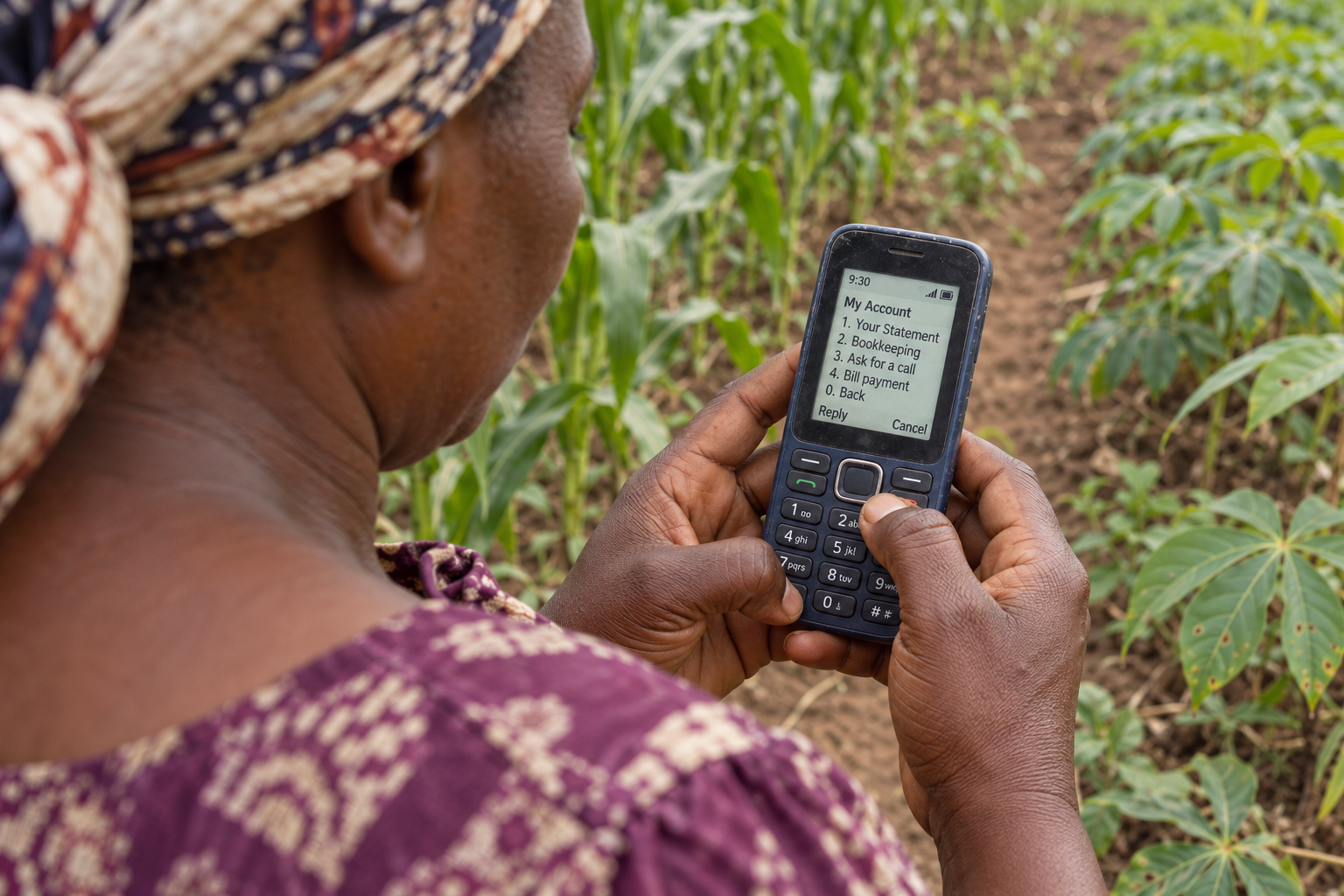
Designing for USSD
USSD (Unstructured Supplementary Service Data) remains a key technology for connecting users in regions with limited internet access, particularly in Africa. Its simplicity and broad accessibility make it invaluable, but USSD platforms often face challenges like high bounce and drop-off rates.
As a Product Designer at Crop2Cash, I’ve worked on designing user-centric solutions to address these challenges. By focusing on intuitive design, clear communication, and empowering features, we can create USSD experiences that retain users and drive engagement.
Here’s a comprehensive guide to reducing bounce and drop-off rates on USSD platforms:
Simplify Navigation for Faster Decision-Making
USSD interfaces rely on hierarchical menus, and overly complex or deep menu structures can confuse users and increase drop-offs.
Solution:
- Limit choices per screen: Display no more than 5 options at a time to reduce cognitive overload.
- Group-related functions: For example, combine options like “Check Balance” and “Repay Loan” under a broader “My Account” category.
- Prioritize common actions: Place frequently used actions at the top of the menu to save time for users.
Example:
By decluttering menus, users can quickly find what they need and proceed without unnecessary navigation.
Introduce Clear Navigation with a Back Option
Users often make mistakes when entering data or selecting options. A lack of navigational flexibility can frustrate users, forcing them to restart the process and leading to drop-offs.
Solution:
- Dedicated back option: Always provide a clear and consistent way to return to the previous screen, e.g., “Press 0 to go back.”
Benefits:
- Reduces frustration by allowing users to correct mistakes.
- Encourages users to complete their tasks without abandoning the session.
Empower Users with Retry Options for Errors
One common frustration on USSD platforms is session termination after an error, such as entering a wrong PIN. Restarting the entire process discourages users from continuing.
Solution:
- Retry without termination: Allow users to correct errors without ending the session.
- Clear error feedback: Use messages like: “Incorrect PIN. You have 2 attempt(s) remaining. Please try again or press 0 to return to the main menu.”
- Retry limits: Set a maximum number of attempts to prevent abuse while providing users with ample chances to proceed.
Example Flow:
- The user enters the wrong PIN. The system responds: “Invalid PIN. Please re-enter your PIN or press 0 to go back.”
This feature makes users feel supported and reduces the likelihood of abandoning the process.
Enable Shortcodes for Quick Actions
Navigating through multiple USSD menus can be time-consuming, especially for power users who know exactly what they want to do.
Solution:
- Direct Shortcuts: Introduce short codes for frequently used actions, such as:
Dial *123*1# to check your balance directly.
Dial *123*2# to make a payment.
- Communicate shortcodes clearly: Send the shortcodes as SMS messages when onboarding the user and also use marketing materials to further communicate the codes to your users/target audience
Benefits:
- Saves time for experienced users.
- Reduces bounce rates by streamlining the user journey.
By giving users an alternative to navigating lengthy menus, shortcodes enhance the experience and improve task completion rates.
Optimize for Speed and Session Timeouts
USSD is session-based, with a short timeout period. Slow responses or lengthy processes can lead to disconnections and bounce-offs.
Solution:
- Fast backend responses: Ensure server processing times are under 2 seconds per input.
- Break down long processes: Divide complex workflows into smaller, faster steps to minimize timeouts.
Provide Contextual and User-Friendly Messaging
Confusing error messages or technical jargon can alienate users and cause drop-offs.
Solution:
- Use plain language: Write simple, concise messages in a localized context.
- Actionable error feedback: Avoid vague messages like “Error: Invalid Input.” Instead, provide guidance: “Invalid selection. Press 0 to go back or 9 to return to the main menu.”
- Confirmation messages: Reassure users after completing tasks, e.g., “Your payment of ₦500 was successful.”
Personalize the User Experience
Users are more likely to stay engaged when the system feels relevant to their needs.
Solution:
- Greet users by name: For example, “Welcome back, Amina!”
- Prioritize frequent actions: For returning users, place commonly used features like “Check Balance” at the top of the menu.
Conduct Regular Usability Testing
Frequent testing with real users ensures your USSD platform meets user expectations and uncovers areas for improvement.
Solution:
- Test real scenarios: Simulate actual user interactions to identify bottlenecks.
- Iterate on feedback: Use insights from testing to refine workflows, navigation, and messaging.
Conclusion
Over the past three years at Crop2Cash, I’ve had the opportunity to work on meaningful problems that impact real users. Designing for USSD has taught me the importance of simplicity, clear communication, and user-first thinking.
My experience has reinforced my belief that great design isn’t just about aesthetics — it’s about problem-solving. Whether it’s optimizing workflows, refining messaging, or ensuring users feel in control, every design decision should serve a purpose.
I’m passionate about crafting seamless digital experiences that truly make a difference. If you’re also interested in user-centered design and building intuitive products (whether it’s USSD or something else entirely!), I’d love to connect and chat. Let’s explore how we can create impactful experiences together!